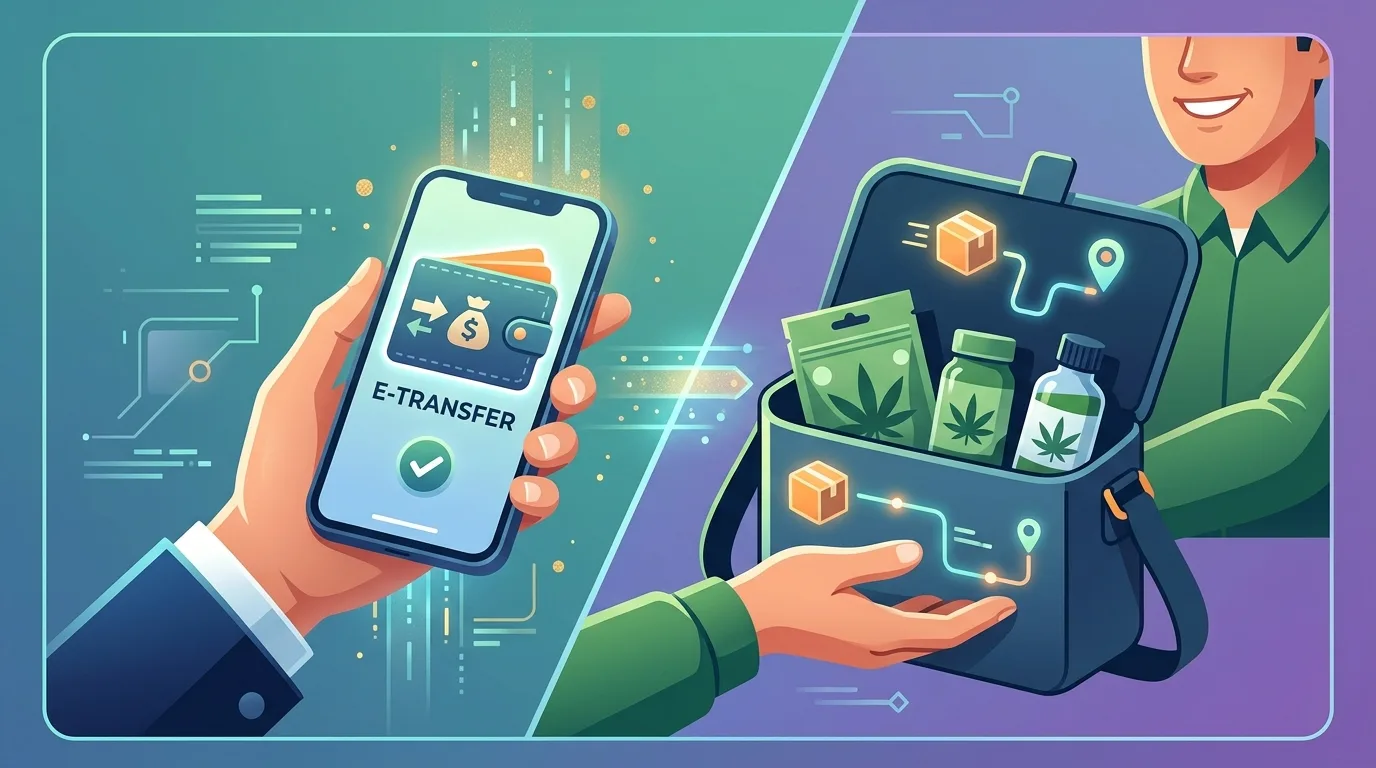
You've filled your cart with premium flower, added a few edibles, maybe splurged on some hash. Now you're staring at checkout, and instead of the familiar credit card fields, you see instructions for "Interac e-Transfer" payment. If you've never paid for cannabis this way before, the process might seem confusing or even sketchy. But here's the truth: Interac e-Transfer is the gold standard payment method for online cannabis delivery in Canada, and once you understand how it works, you'll realize it's actually more secure and private than traditional card payments.
This comprehensive guide walks you through exactly how to complete an e-Transfer payment for your cannabis order, from your bank app to delivery confirmation. We'll cover why cannabis businesses use this method, step-by-step instructions for every major Canadian bank, common troubleshooting issues, and security best practices that keep your money and information safe.
Why Cannabis Delivery Services Use Interac e-Transfer Instead of Credit Cards
Before we dive into the how-to, it's important to understand why nearly every cannabis delivery service in Canada accepts e-Transfer as their primary payment method. The answer isn't what most people assume.
Cannabis remains in a banking grey zone, even though it's federally legal in Canada. Major credit card processors (Visa, Mastercard, American Express) and payment gateways treat cannabis businesses as "high risk" merchants. This classification comes from international banking regulations and U.S. federal law, where cannabis is still a Schedule I substance. As a result, most traditional payment processors either refuse to work with cannabis retailers entirely or charge prohibitively high fees with strict limitations.
Interac e-Transfer solves this problem elegantly. It's a direct bank-to-bank transfer system that bypasses credit card networks entirely. The money moves from your account to the business's account through the Canadian banking system, with Interac facilitating the secure transaction. There's no middleman payment processor that can suddenly shut down the merchant account, no chargebacks that create compliance headaches, and no international banking restrictions to navigate.
Additional Benefits of E-Transfer for Cannabis Purchases
Beyond solving the payment processing problem, e-Transfer offers several advantages for both customers and cannabis retailers. Enhanced privacy tops the list. Your bank statement shows only an e-Transfer to an email address or recipient name, not "CANNABIS DISPENSARY" in all caps. Many customers appreciate this discretion, especially those who share bank accounts or prefer to keep their purchases private.
The system also provides instant payment confirmation. As soon as you send the transfer, both you and the retailer receive notification. This triggers immediate order processing, meaning your delivery gets prioritized and prepared right away. Unlike credit card authorizations that can take hours to clear or require manual verification, e-Transfers move your order into the fulfillment queue within minutes.
From a security standpoint, e-Transfer uses the same 128-bit encryption and multi-factor authentication systems that protect all your online banking activities. You're not entering your financial information on a third-party website, you're working entirely within your bank's secure environment. This significantly reduces the risk of data breaches or payment fraud.
Step-by-Step Guide: How to Send an Interac e-Transfer for Your Cannabis Order
The e-Transfer process follows the same basic pattern regardless which Canadian bank you use, though the exact screens and button locations vary. Here's the universal workflow you'll follow, with bank-specific variations noted where relevant.
Step 1: Complete Your Cannabis Order and Note Payment Details
After you've selected your products and proceeded to checkout, the order confirmation page will display your payment instructions. These typically include three critical pieces of information: the recipient email address where you'll send the e-Transfer, the exact amount to send (including your delivery fee and any taxes), and a security question answer if required.
Write down or screenshot these details before leaving the confirmation page. You'll need to reference them in your banking app, and it's much easier than trying to switch back and forth between browser windows. Most delivery services also send this information to your email as an order confirmation, but having it immediately accessible speeds up the process.
The recipient email is usually a business account that looks something like payments@businessname.com. Some services use generic addresses like etransfer@companydomain.ca. Either way, double-check that the email matches exactly what's shown on the legitimate website. Scammers sometimes create fake order confirmations with altered email addresses, which is why it's crucial to verify you're working from the official order page.
Step 2: Log Into Your Online Banking or Mobile App
Open your bank's mobile app or log into online banking through your web browser. The mobile app route tends to be faster and more intuitive, as most Canadian banks have optimized their e-Transfer features for smartphone use. You'll go through your normal authentication process, which might include your password, a PIN, biometric identification, or a combination of security measures.
Once you're logged in, look for the "Send Money," "Interac e-Transfer," or "Transfer Funds" option. This is usually prominently displayed on the main dashboard or located in a "Payments" or "Transfers" menu. Different banks place this feature in different spots. TD customers find it under "Interac e-Transfer" in the main menu. RBC users look for "INTERAC e-Transfer" in the Payments section. Scotiabank calls it "Send Money with INTERAC e-Transfer."
Step 3: Enter Recipient Information and Transfer Amount
Now you'll fill in the transfer details. Start with the recipient email address exactly as it appears in your order confirmation. Most banking apps will remember recipients after the first transfer, so future orders to the same dispensary become even faster. Just be cautious with auto-fill, always verify the email is correct before proceeding.
Enter the exact transfer amount from your order confirmation. Don't round up or down, even by a few cents. The dispensary's automated system matches incoming transfers to order numbers based on the precise amount, so an incorrect total might delay your order processing while staff manually reconcile the payment.
In the message or memo field, include your order number if the delivery service requested it. This helps the business match your payment to your specific order immediately, especially during busy periods when they're processing dozens of transfers. Some services provide a specific reference code or just ask for your name, follow whatever instruction was provided.
Step 4: Set Up the Security Question (If Required)
Most cannabis delivery services use auto-deposit, which means the transfer goes directly to their account without requiring them to answer a security question. This creates the instant payment confirmation we mentioned earlier. However, some businesses, particularly smaller operations or new services, might not have auto-deposit enabled.
If auto-deposit isn't set up, you'll need to create a security question and answer. Your order confirmation will usually specify the answer to use. Common examples include "What is your order number?" with the answer being your actual order number, or "What are you ordering?" with the answer "cannabis" or "delivery."
Use the exact answer provided in your order instructions. If they tell you to use "order123" as the answer, don't use "Order 123" or "order #123." The system is case-sensitive and requires exact matches. When in doubt, copy and paste the answer directly from the order confirmation to avoid typos.
Step 5: Review, Confirm, and Send the Transfer
Before you hit that final confirmation button, triple-check every detail. Verify the recipient email address letter by letter. Confirm the amount matches your order total exactly. Review your security question answer if applicable. Read your message or memo to ensure you included any required order information.
Once everything looks correct, confirm and send the transfer. You'll typically receive an immediate confirmation screen with a reference number. Screenshot this confirmation or write down the reference number. While you rarely need it, having this information available can speed up any customer service inquiries if something goes wrong.
Your bank will also send you an email confirmation that the e-Transfer was sent. Keep this in your inbox until your order is delivered and you're satisfied with the purchase. It serves as proof of payment if any disputes arise, though such issues are extremely rare with reputable delivery services.
Bank-Specific E-Transfer Instructions: TD, RBC, Scotiabank, BMO, and CIBC
While the core process remains consistent, each major Canadian bank has slightly different navigation and terminology. Here's a quick reference for the five largest banks to help you find the right buttons faster.
TD Canada Trust E-Transfer Process
In the TD app, tap "Interac e-Transfer" from the main menu, then select "Send Money." Choose the account you're sending from (usually your chequing account), enter the recipient email, amount, and optional message. TD allows you to save recipients as contacts, which streamlines repeat orders significantly. The security question screen appears next if needed, otherwise you'll proceed directly to confirmation. TD typically processes e-Transfers instantly during business hours, with evening and weekend transfers sometimes taking a few minutes longer.
RBC Royal Bank E-Transfer Steps
RBC users navigate to the "INTERAC e-Transfer" option in the main menu or under "Payments & Transfers." Select "Send Money," choose your sending account, and enter the recipient details. RBC's interface asks for the amount first, then the email. Their system includes a helpful confirmation screen that shows all details before final submission. If you're sending to a new recipient, RBC might prompt you to save them for future transfers. The bank processes most e-Transfers immediately, and their notification system is particularly robust, sending you both app notifications and emails.
Scotiabank E-Transfer Navigation
Scotiabank labels their service as "Send Money with INTERAC e-Transfer" in the main menu. Tap this option, select "To Someone," choose your account, and fill in the recipient information. Scotiabank's interface is notably clean and guides you through each field sequentially. They also offer a "Recent Recipients" feature that makes repeat orders to the same dispensary extremely fast. The bank emphasizes security, often requiring biometric authentication even after initial login when sending larger amounts.
BMO Bank of Montreal Transfer Method
BMO places "Interac e-Transfer" under the "Pay & Transfer" section. Select "Send Interac e-Transfer," pick your account, and enter the required details. BMO's system includes helpful tooltips explaining each field, which can be useful for first-time users. Their app also displays your available e-Transfer limits clearly, so you know immediately if a larger cannabis order might require a limit increase. BMO processes transfers quickly and provides clear confirmation messages at each step.
CIBC E-Transfer Procedure
CIBC users find "Interac e-Transfer" in the main navigation menu. Select "Send Money," choose from your accounts, and complete the recipient fields. CIBC's mobile app includes a particularly useful feature that lets you scan QR codes for recipient information, though most cannabis retailers don't utilize this yet. The bank's confirmation screens are comprehensive, showing all transaction details before you finalize. CIBC also sends instant push notifications when your transfer is successfully sent and when it's deposited.
Common E-Transfer Issues and How to Fix Them
Even though e-Transfer is generally smooth and reliable, occasional hiccups happen. Here are the most common problems customers encounter when paying for cannabis delivery orders, along with practical solutions.
Your E-Transfer Limit Is Too Low for Your Order
Canadian banks impose daily and weekly e-Transfer limits for security purposes. These limits vary by bank and account type, typically ranging from $1,000 to $3,000 per day for basic accounts. If you're placing a larger cannabis order,perhaps stocking up with bulk flower or grabbing a pound deal,you might hit this ceiling.
The solution is straightforward but requires planning ahead. Log into your online banking and request a limit increase. Most banks allow you to adjust your e-Transfer limits through your account settings or security preferences. Some banks approve increases instantly, others require 24-48 hours for processing. If you need the increase immediately, call your bank's customer service line and explain you need to send a larger transfer. They can often approve temporary increases over the phone.
Alternatively, split your order into multiple purchases if the delivery service allows it, though this might mean separate delivery fees. Another option is to send multiple e-Transfers to cover one order, but always contact the dispensary first to explain the situation and get their approval. They need to know to expect multiple payments for one order number to avoid confusion.
The Transfer Is Pending and Won't Complete
Occasionally, an e-Transfer gets stuck in "pending" status instead of completing immediately. This usually happens during high-traffic periods for your bank's systems, particularly evenings and weekends when many Canadians are doing personal banking. It can also occur if your account has insufficient funds or if the bank's fraud detection system flagged the transfer for review.
First, verify your account has enough funds to cover both the transfer amount and any e-Transfer fees your bank charges (most banks offer free e-Transfers, but some account types still charge $1-2 per transaction). If funds aren't the issue, the transfer usually completes within 30 minutes even if it showed as pending initially.
If it's been more than an hour and the transfer still shows as pending, contact your bank's customer service. They can investigate whether the transfer is held up in their system or if there's a technical issue. In rare cases, you might need to cancel the pending transfer and resend it. If this happens, immediately contact the cannabis delivery service to explain the delay so they can hold your order.
You Sent the Wrong Amount
Made a typo and sent $157.00 instead of $175.00? Sent the right numbers but forgot to include the delivery fee? Don't panic. Contact the delivery service immediately through their customer service channels,usually email, phone, or live chat.
Most reputable dispensaries encounter this situation regularly and have procedures in place. If you underpaid, they'll typically ask you to send a second e-Transfer for the difference. If you overpaid, they might apply the extra amount as credit toward your next order or send you a return e-Transfer for the difference. The key is communicating quickly before your order enters the delivery queue.
For future orders, consider using your banking app's calculator feature to double-check the math before sending, especially if you're adding multiple products with different prices plus taxes and delivery fees.
Auto-Deposit Failed or Transfer Wasn't Received
In rare cases, an e-Transfer doesn't arrive in the retailer's account even though your bank shows it was sent successfully. This usually indicates either you used an incorrect email address or there's a temporary issue with the recipient's auto-deposit settings.
First, verify the recipient email address in your sent transfer matches exactly what was in your order confirmation. Even one wrong character sends the money to the wrong place. If the email is correct, contact the dispensary to confirm their auto-deposit is functioning properly. If there's an issue on their end, they can provide alternative payment instructions or ask you to answer the security question manually.
If you definitely sent money to the wrong email address, you can typically cancel the e-Transfer through your banking app as long as the recipient hasn't deposited it yet. Look for "Pending Transfers" or "Cancel e-Transfer" in your banking menu. Once cancelled, send a new transfer to the correct address. Again, notify the delivery service about what happened so they can watch for your payment.
Security Best Practices for Cannabis E-Transfer Payments
While Interac e-Transfer is inherently secure, following these practices adds extra layers of protection for your financial information and ensures smooth transactions every time.
Always Verify the Payment Recipient Before Sending
This cannot be stressed enough: double-check that the recipient email address comes from the legitimate dispensary website. Scammers occasionally create fake cannabis websites or send phishing emails with altered payment details. The safest approach is to navigate directly to the dispensary's official website by typing the URL yourself (never clicking links from unsolicited emails), then accessing your order details there.
If you receive an email with payment instructions, compare the email address to what's shown on the official website's checkout page. They should match exactly. Reputable delivery services like UperWeed always display consistent payment information across all touchpoints.
Use Strong Passwords and Enable Two-Factor Authentication
Your online banking security directly impacts your e-Transfer safety. Ensure your banking app password is strong, unique, and not used for other services. Enable biometric authentication (fingerprint or face ID) if your phone supports it. Most Canadian banks also offer two-factor authentication that requires a second verification code in addition to your password,activate this feature in your account security settings.
Never save your banking password in your browser's password manager if you share that device with others. Use a dedicated password manager app instead, which encrypts your credentials and requires master password access.
Keep Order Confirmation Records Until Delivery Is Complete
Save your order confirmation email and e-Transfer receipt in a dedicated folder or take screenshots stored somewhere accessible. These records prove both what you ordered and that you paid for it. While disputes with legitimate cannabis delivery services are rare, having documentation readily available resolves any potential issues instantly.
Once your order is delivered and you've verified the contents match what you ordered, you can delete these records if desired. However, some customers prefer keeping receipts for personal budgeting or to track when they purchased specific products they particularly enjoyed.
Be Cautious with Security Questions and Answers
If a delivery service requires you to set a security question rather than using auto-deposit, avoid creating questions and answers that reveal personal information. Don't use questions like "What's your mother's maiden name?" or "What's your home address?" even if that seems easier to remember.
Stick to the specific security question and answer provided in your order confirmation. These are typically generic and transaction-specific ("What is your order number?" / "ORDER12345") rather than personal details that could be exploited if intercepted. The dispensary will deposit the funds immediately after you send the transfer, so the security question rarely even comes into play.
What Happens After You Send the E-Transfer
Understanding the post-payment workflow helps set proper expectations for when your cannabis will arrive and what communication you should receive from the delivery service.
Immediate Payment Confirmation and Order Processing
Once you send the e-Transfer, the dispensary's payment system typically receives an automatic notification within seconds to minutes. If they're using auto-deposit (which most established services do), the money hits their account immediately and triggers their order processing workflow.
You should receive an email or text message confirming payment was received and your order is being prepared. This confirmation usually includes an estimated delivery window,often "within 2 hours" for same-day delivery services, or a specific time slot if you scheduled delivery for later.
During busy periods (Friday evenings, weekend afternoons, holidays, or right after new product drops), order preparation might take slightly longer. Premium delivery services maintain order queues that process customers in the sequence payments are received, so sending your e-Transfer promptly after placing your order gets you in line faster.
Order Preparation and Quality Checks
After payment confirmation, your order moves to the preparation stage. The dispensary team pulls your products from inventory, weighs your flower if you ordered by the gram or ounce, packages everything securely, and performs quality checks to ensure you're getting exactly what you ordered.
Reputable services take this stage seriously. They verify product freshness, check that pre-rolls aren't damaged, ensure edible packaging is sealed properly, and confirm all items match your order list. For services focused on premium quality and customer satisfaction, this preparation process is where they maintain their reputation for excellence.
Delivery Assignment and Transit
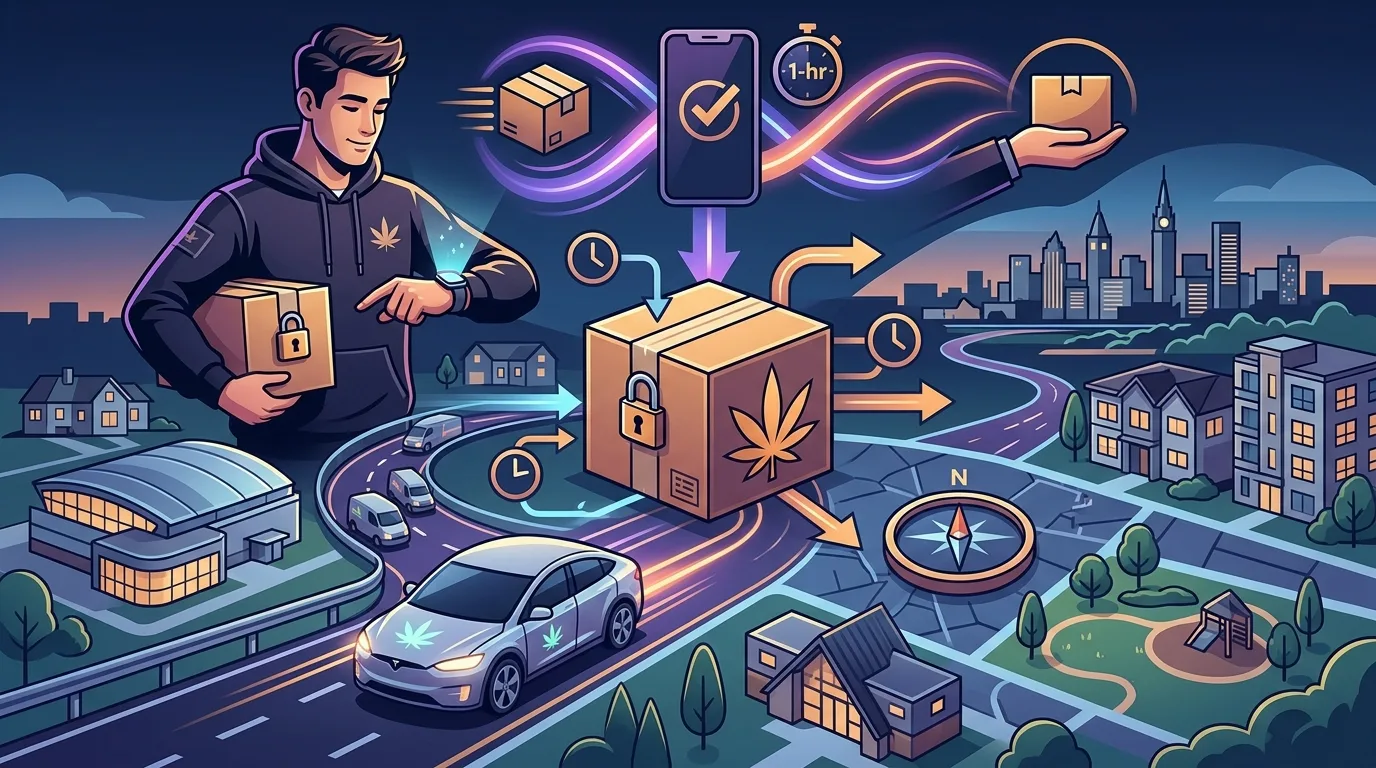
Once your order is packaged and ready, it gets assigned to a delivery driver who's routing to your area. Many modern delivery services use optimized routing software that groups orders by neighbourhood to minimize delivery times and ensure maximum freshness.
You might receive a notification when your order is "out for delivery" along with your driver's name and contact information. Some services provide real-time GPS tracking, while others work with estimated windows. Drivers typically contact you 10-15 minutes before arrival to confirm you're home and ready to receive the order.
Delivery, ID Verification, and Order Completion
When your driver arrives, they'll verify your age and identity before handing over your cannabis. This is a legal requirement for all cannabis transactions in Canada, whether at a physical store or through delivery. Have a valid government-issued photo ID ready,driver's licence, passport, or provincial ID card all work.
The driver confirms that the name on your ID matches the name on the order (or at minimum that you're 19+ and at the delivery address). Once verified, they hand over your package. Some services ask you to sign a delivery confirmation on their tablet or phone, others simply have the driver mark the order as completed in their system.
Take a moment to check your order before the driver leaves. Open the package and verify that the products match what you ordered. While mistakes are rare, it's far easier to resolve any discrepancies immediately than trying to sort things out after the fact. Reputable delivery services will correct errors on the spot or schedule a return visit to swap out incorrect items.
E-Transfer Alternatives and Backup Payment Methods
While Interac e-Transfer dominates the cannabis delivery payment landscape, a few alternatives exist for specific situations or customer preferences.
Cash on Delivery (COD)
Some cannabis delivery services still accept cash payment when your order arrives. This method appeals to customers who don't use online banking, prefer the tangibility of cash transactions, or want to inspect their order before payment changes hands.
However, cash on delivery is increasingly rare in the industry. It creates security concerns for delivery drivers carrying large amounts of cash and introduces reconciliation complexities for the business. Many services that still offer COD add a surcharge (typically $5-10) to cover the additional operational costs and risks.
If you need to pay cash, confirm availability during checkout. Some services require you to request COD payment in advance rather than offering it as a standard option. The driver will bring a portable card reader or simply collect cash directly, providing you with a receipt for your payment.